Working Securely Online and Remotely
Keep information private away from the office, reach services by a route you know, and share with only the people who need it.

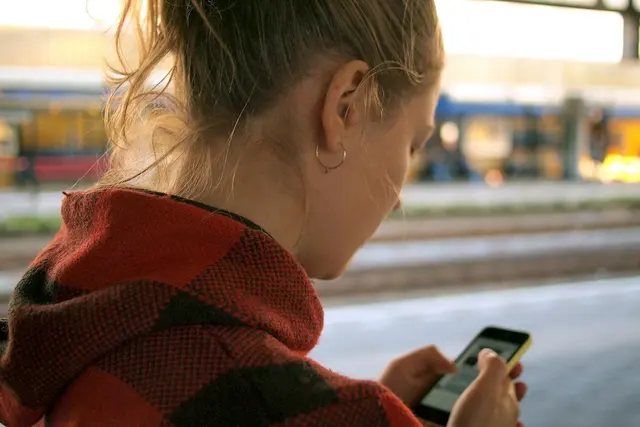
Photo: Vitaly Gariev on Unsplash
- For
- Anyone who works from home, travels for work or works in shared places.
- Course outline
- 4 modules · About 30–40 min
- Languages
- Any language, in one click
Four short modules
Each starts from an ordinary moment at work. A final test, then a short check three weeks later.
- 01
Set up a safe workspace
Who can see your screen or hear your call, at home, in a café or on a train.
- 02
Browse and download safely
A sponsored search result can carry a real product’s name. Go by a route you know.
- 03
Networks and remote access
What a VPN and a padlock do, and what they do not.
- 04
Share and collaborate securely
Files and meeting links for only the people who need them.
Decide, then see why
A moment like the ones in the course. Pick an answer.
Working from a hotel, Emma needs to send a 300 MB board pack to an outside adviser by tonight. The hotel suggests a free transfer site.
What is the safe way to share it?
Best answerA link for anyone keeps working wherever it is forwarded. A named share stays with the adviser.
A sample written for this page. Some requests in the course turn out to be genuine.
Your details, in every lesson
Your organisation fills these in once. Learners see your names, tools and places.
- How staff connect to work systems from outsideYours
- Your approved file-sharing tool and work chatYours
- How staff ask for new softwareYours
- Who handles data protectionYours
- Where your remote-working policy is publishedYours
The country and sector of every scenario
Scenarios are adapted to your country and sector: another EU country, Saudi Arabia, Turkey or anywhere else.
 EU
 Saudi Arabia
 Turkey
The language your people learn in
Written in English and translated into any language in one click.
 Written in · EnglishTranslate · one clickAny language
Programs with this course




Questions
Does it tell people never to use café Wi-Fi?
No. It does not treat every café network or search result as dangerous. It shows what each protection does and does not do: a padlock in the address bar does not make a site genuine, and a VPN does not make a website safe.
Will staff need to change their router or device settings?
No. Nothing in the course asks anyone to change settings on a router or a work device. Your own remote-access route is written in for your staff.
How long does Working Securely Online and Remotely take?
About 30 to 40 minutes: four short modules with decisions and feedback, a final test, then a short check three weeks later so the habits stick.
Which languages and countries does Working Securely Online and Remotely come in?
It is written in English and translated into any language in one click. Its scenarios are adapted to your country and sector, such as another EU country, Saudi Arabia or Turkey. Saudi-context versions are built when a customer asks.
Related courses
See the library in a demo.
We walk you through the courses, your languages and your country’s scenarios.
Book a demo